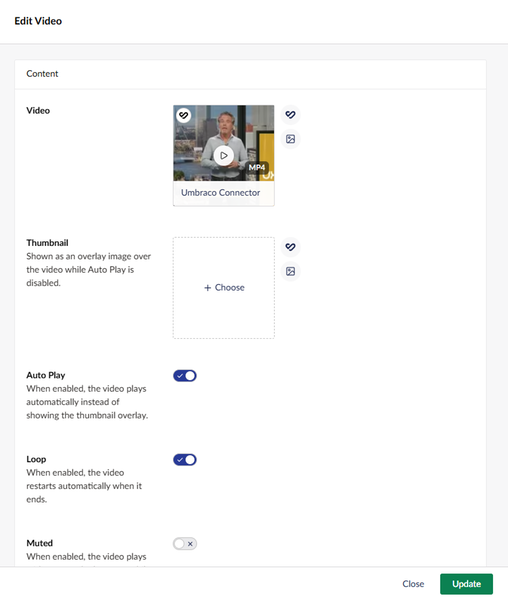
Umbraco is a content management platform designed around the people who use it every day. It allows users to build pages by combining text, images, videos, and documents, dropping visuals directly into articles, and reusing assets across websites, languages, and campaigns.
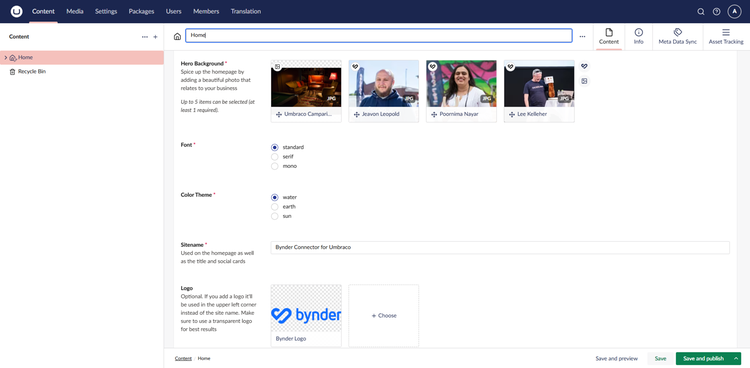
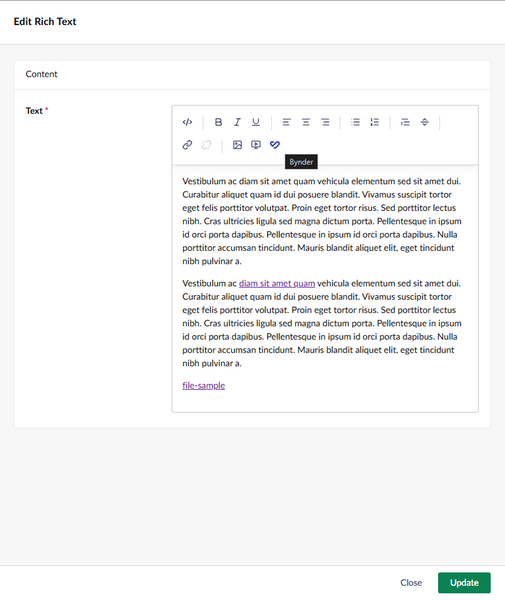
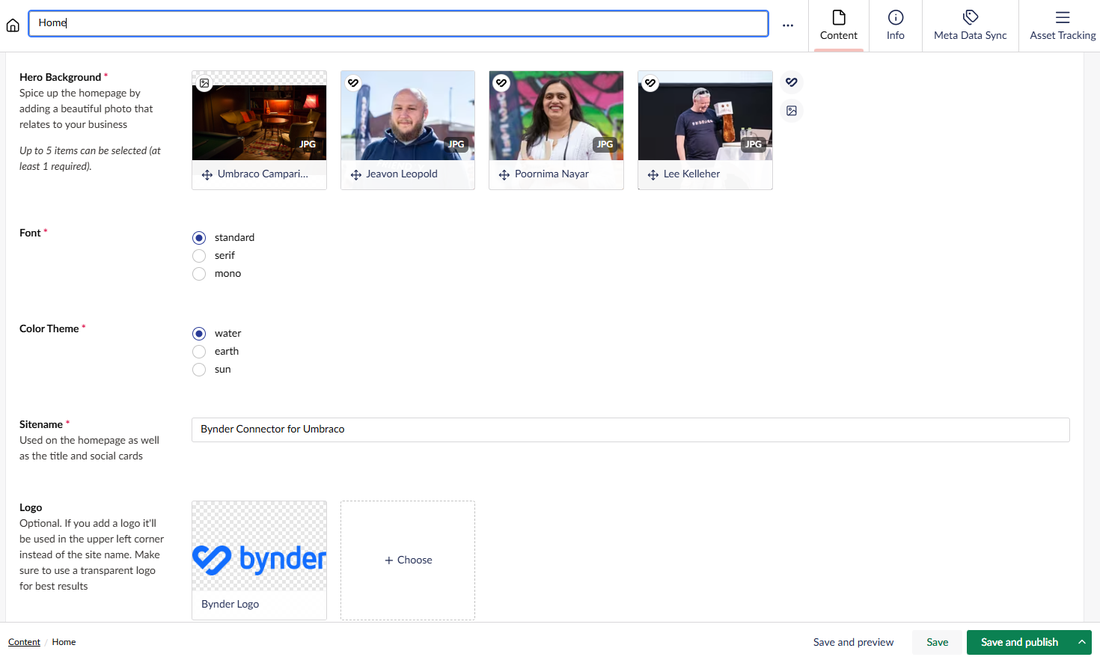
The Bynder connector for Umbraco brings your approved brand assets straight into the Umbraco environment. Instead of manually downloading files from Bynder and uploading them again, editors can search, filter, and pick images, videos, and documents directly from Bynder without leaving the page they are working on. Assets remain in Bynder and are linked rather than copied, which ensures there are no outdated duplicates and that the correct, approved version is displayed in the right format for each channel. By keeping alt text and copyright data in sync and utilizing asset tracking, the integration keeps the brand consistent and accelerates team workflows.
Benefits
- Faster time to publish
Editors spend less time hunting for files and more time creating content because the right asset is always just a few clicks away. - Brand consistency and error reduction
The website uses the same approved assets as the rest of the organization, and editors see only the assets they are allowed to use, reducing the risk of publishing mistakes. - Tidier media library
Eliminating duplicate uploads keeps Umbraco free of clutter, resulting in less to manage and clean up. - Improved accessibility
Alt text and copyright details come directly from Bynder, and video subtitles can be generated from Bynder's transcripts with minimal effort. - Confident asset management
Teams know exactly where an asset is used before it is updated or retired, ensuring nothing breaks unexpectedly.
Features
In-page asset selection
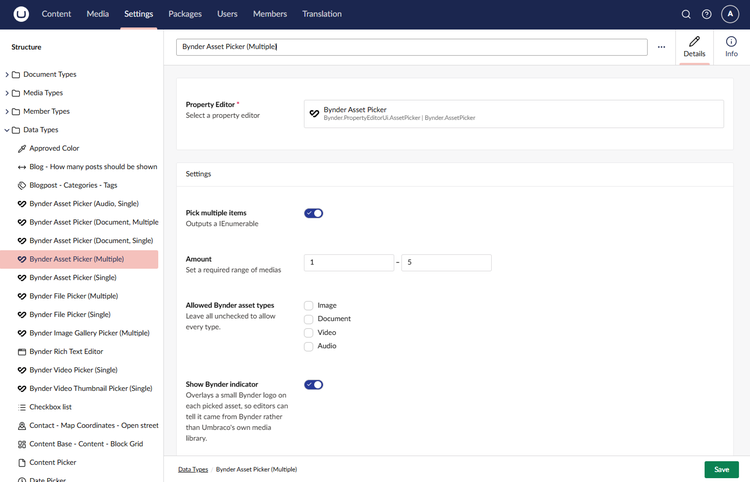
Search, filter, and select Bynder images, videos, and documents straight from the Umbraco editing interface.Single source of truth
Assets stay in Bynder and are linked, not copied, ensuring the approved version is always used in the sensible default or the specific format made for each channel.Enforced permissions
Editors sign in utilizing their own Bynder account, meaning they only see and access the assets they are strictly allowed to use.Asset Tracking
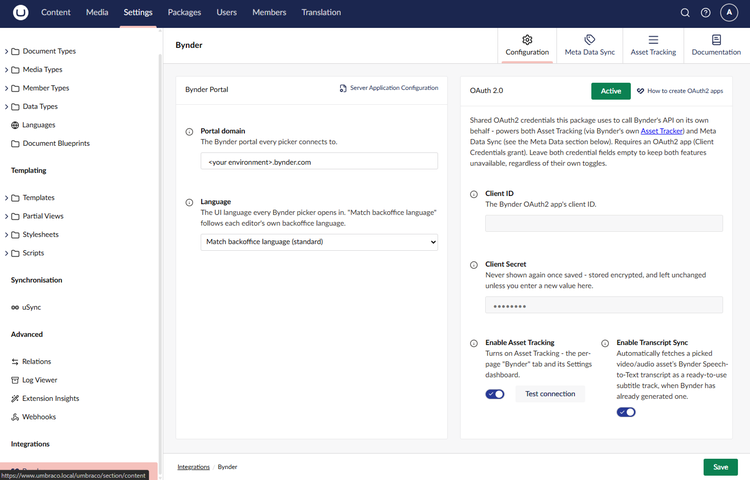
Activate Asset Tracking to view exactly which Umbraco pages utilize each specific asset directly within both Bynder and Umbraco.Meta Data Sync
Keep copyright and alt text in line with Bynder automatically, without the need to republish any pages.
Screenshots